AI🤖 for writing assistant!

Are you a writer and looking for an AI🤖 writing assistant? Then, you’ve landed in the right place. Just roll it😵💫.
Overview
Writing✍️ has always been there from the beginning of human civilizations when languages came into existence. The best way to document history is to write, we know the history of the world because somebody has written it.
From this note, we can understand how important writing is. On this day, writing has become very dynamic and widely used as a medium of communication, documenting history, learning, etc. Whether you are a content writer, an author, a blogger, or anyone related to writing work you need a writing assistant to make your writing efficient.
A writing assistant can help you in many ways such as checking your word spelling, grammatical mistakes, suggestions for it, word counts, etc.
Yeah, You Thinking of the Replacement of a Content writer with AI. Hmm🤔 Just chill my friend, They are just helping tools for the writer for the enhancement of their content.
But before moving to the compiled list, let’s have a look at what features you should look for while choosing writing assistant software.
Features of AI🤖 Writing Assistant
1. Spell Check
Spell check will help to identify the wrong spelled words and give the correct spelling suggestions. This feature is very helpful for new aspiring writers who have just started writing and make spelling mistakes.
We often forgot the spelling of small words or misspelled a word while writing due to typing errors, all of these can be avoided with the help of the writing assistant spell check feature. This simple tool can help you to avoid embarrassment.
2. Grammar check
The next feature every writing assistant should have is a grammar check. This feature is very important even if a good speaker makes mistakes in grammar and that makes perfect sense because proper grammar is not used around us. These things we learn in school and forget after all🤣.
The grammar check will pick out the grammatical mistake and give you a proper suggestion for it. Thus, you can correct it right there. These mistakes become more embarrassing in official communication and create a bad impression.
3. Word count
The word count feature is also one of the most needed features. The word count tells you about the density of words. It helps you to limit your writing to a certain number of words. The change of paragraphs can be known and We can easily manage word for each paragraph.
4. Rich Text Editor
The rich text editor allows us to format the document in an organized manner and we can highlight the heading and subheadings. The rich text editors allow images to be inserted between your paragraphs and have many features. This helps a lot for content writers and bloggers who often use rich media content in the writing process. This gives a good reading experience if the writing is arranged and presented well.
5. AutoSave
Since we are using computers and laptops for our writing purpose, there are chances to quit the window by mistake, the computer gets shut down, and all your work will be lost if the autosave feature is missing in the writing software. This is a good feature to look for in any writing assistant software hunt.
Some AI🤖 writing Assistant software
1 . Grammarly
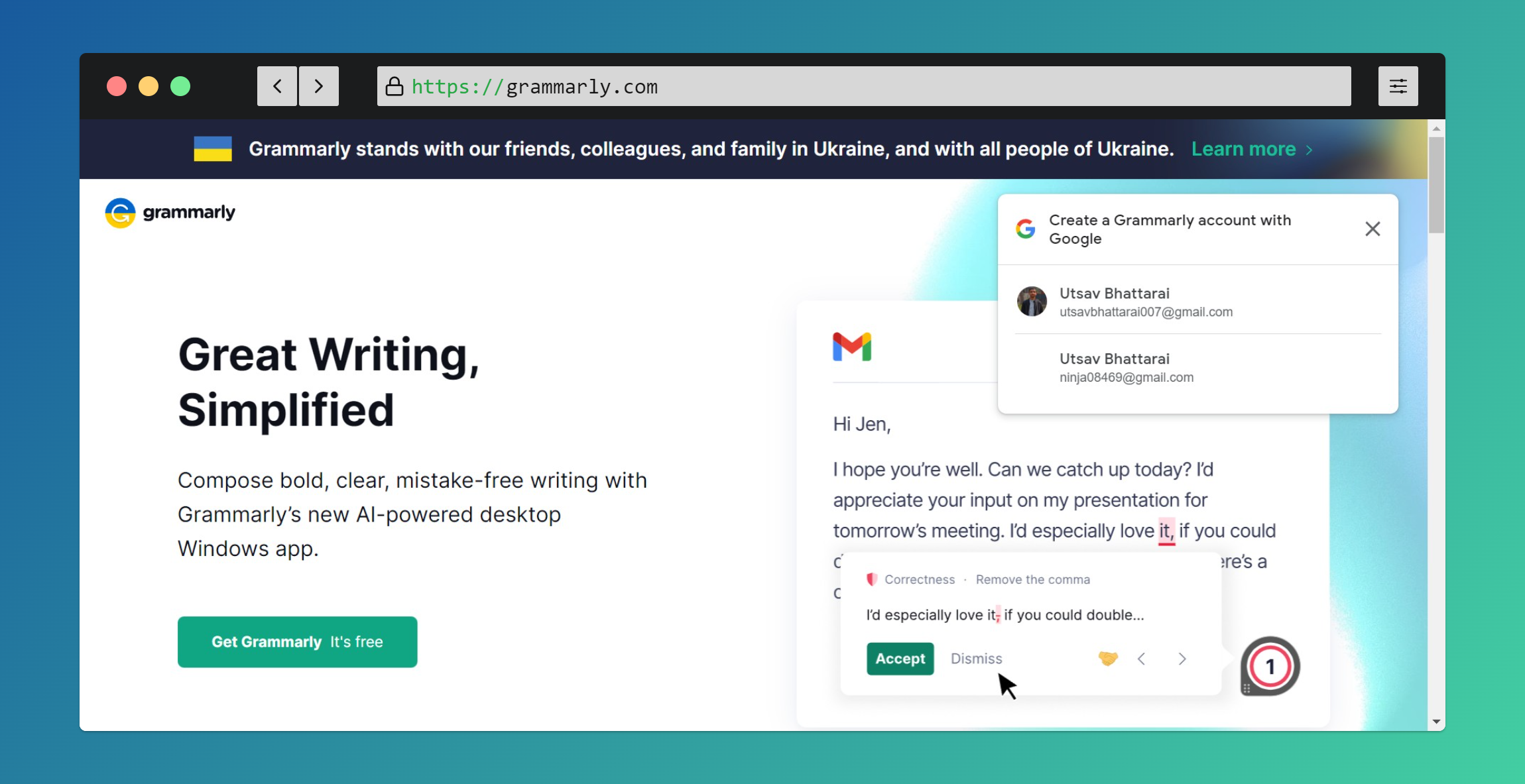
Grammarly is one of the best writing assistant tools that allow spell check, grammar check, and overall mistake-free writing. This boost your confidence to write error-free communications and impact your writing. Grammarly allows you to integrate with your favorite browsers and help you to correct everything you write on the internet. This is one of the widely used grammar tools and helps millions of users to write with confidence.
Key features of Grammarly
Spelling and Grammar check
Plagiarism Checker
Phrase Suggestions
Word counter
Tone detector
Integrates with all popular browsers
Desktop application with AI-powered
Pricing
Free - Free for spell and grammar checker with limited features.
Premium - $30/month for style, clarity improvements, and additional advanced corrections.
2 . ProWritingAid
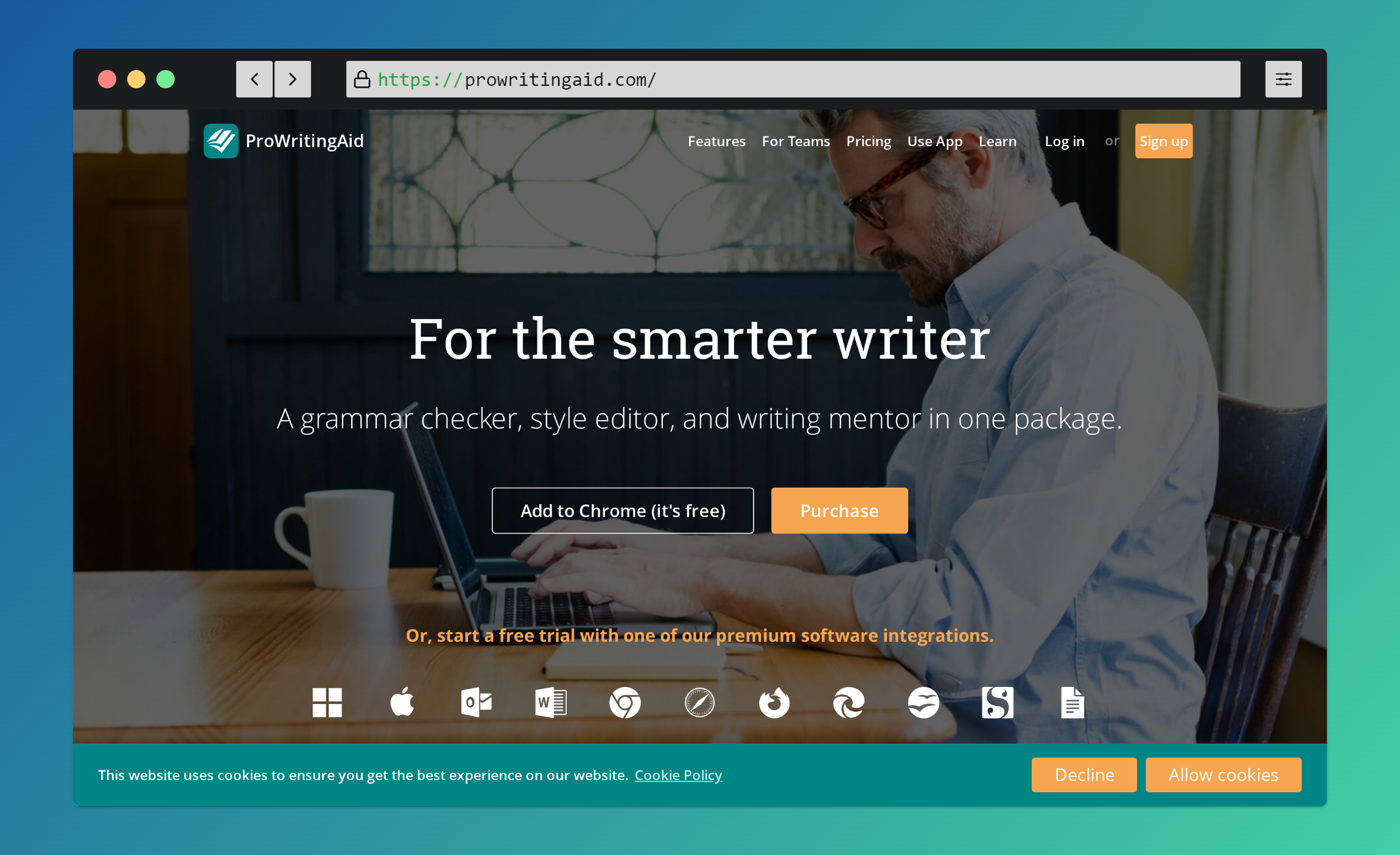
ProWritingAid is another online software that offers a great writing assistant with spell check, grammar check, and sentence beautification delivered in real-time as you write. This is a great online tool that offers in-depth writing assistance and improves and encourages you to write better than yesterday. You are given hundreds of suggestions and you can choose among them which best suits your writing.
Key features of ProWritingAid
Spelling and Grammar correction
Phrase generation
15 Different writing reports
Improve style and Strength
Eliminate Embarrassing errors
Integrate with third-party apps
Customizable as per your need
Data visualization for in-depth analysis
Plagiarism checker
Pricing
Free - 7 days free trial
Premium - $20/month
Go with yearly plan and save up to 67%
3 . Google Docs
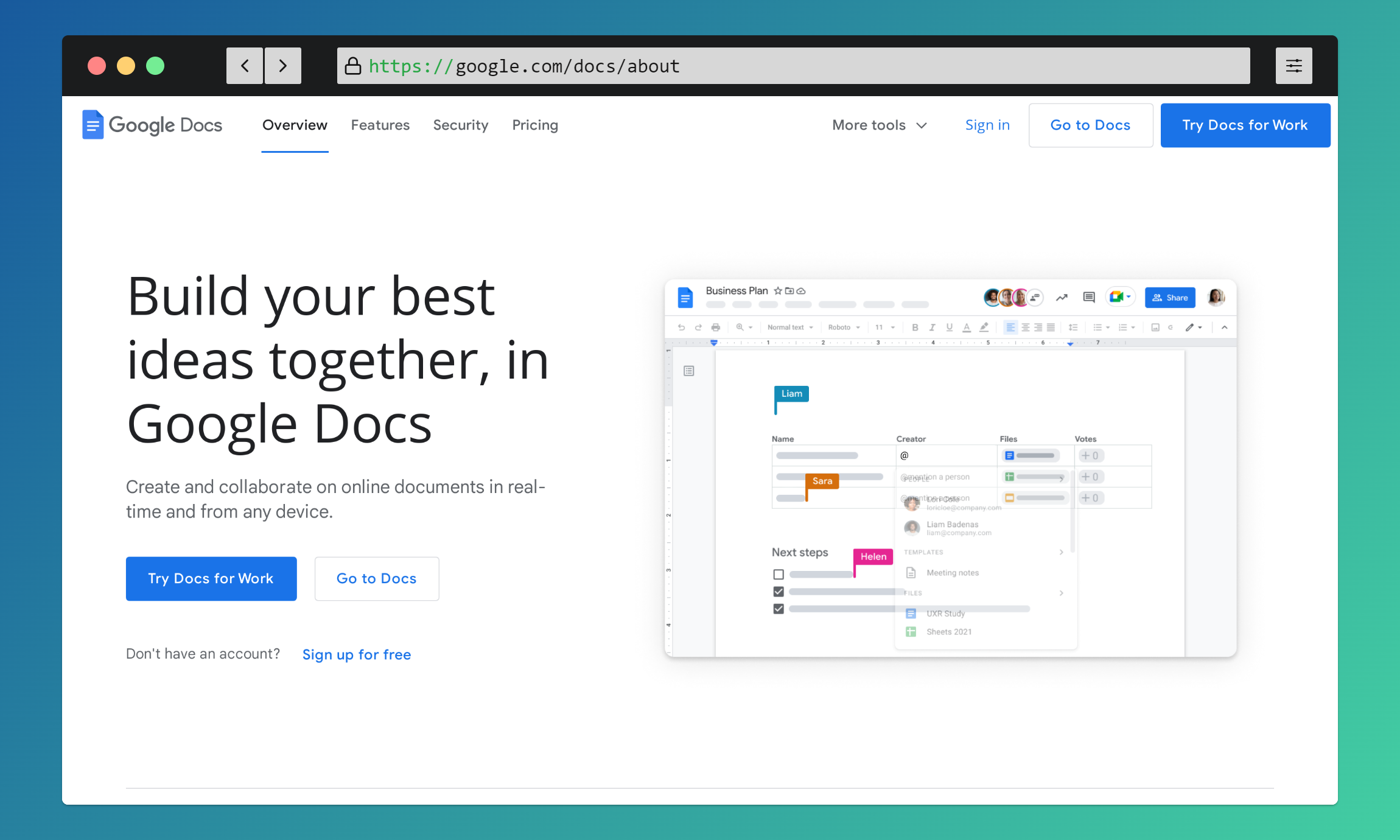
Google Docs is a simple online tool that offers writing help with its effective features. This is a tool that has features such as spell check, grammar check, word counter, etc. It is the best free writing assistant which provides top notch features.
The automatic saving feature, whenever changes are made to the document. The word counter shows the number of words on the document. This helps authors and writers to stay within the word limit for any sub-part of the document. I had include this goggle product because I have using this for a long time for a documentation purpose, report writing and blog writing.
Key features of Google Docs
Rich text Editor
Spell and Grammar Check
Best for Documentation Writing
Word Counter
Language Translator
Voice typing
Dictionary
Pricing
Free - Free with Google account
Additional tools
1. Writesonic
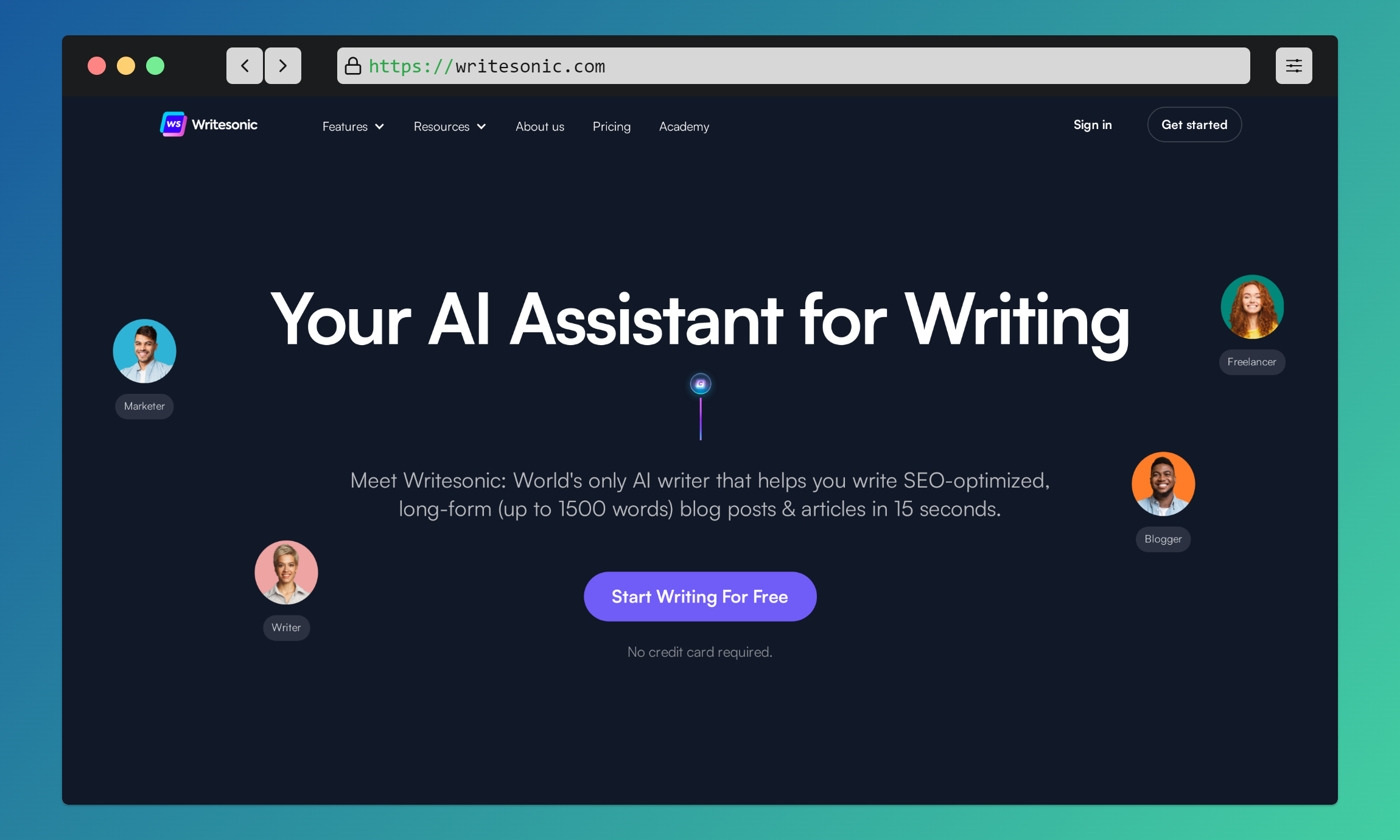
Writesonic is the AI writer that helps you write SEO-optimized, long-form (up to 1500 words) blog posts & articles in 15 seconds.
2. Frase

Frase is also a AI powered writing assistant which helps you to research, write, and optimize content that ranks 1st on Google in minutes instead of hours.
3. Copy ai
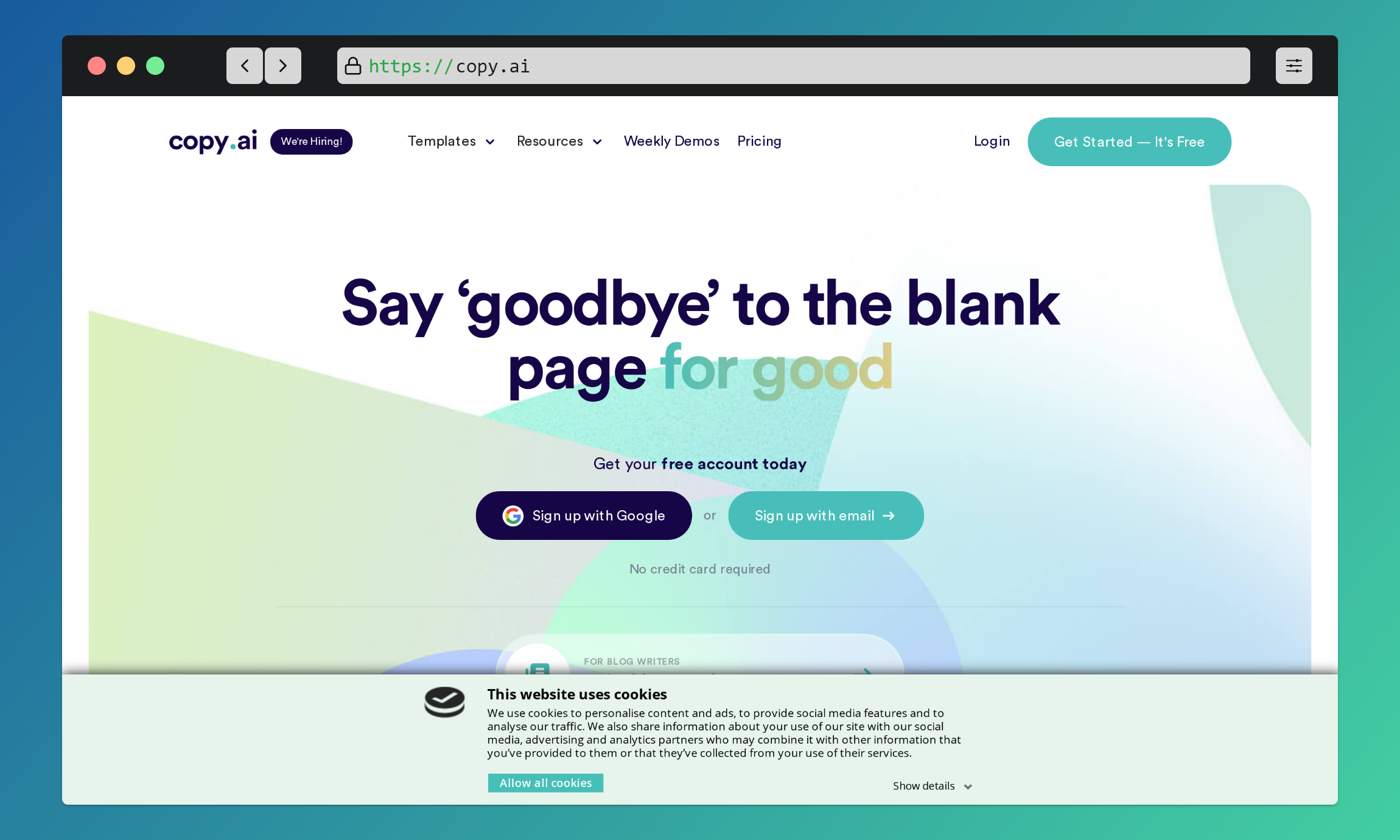
Copy.ai is an AI-powered content writing tool that claims to help people write better content.
4. AI Writer
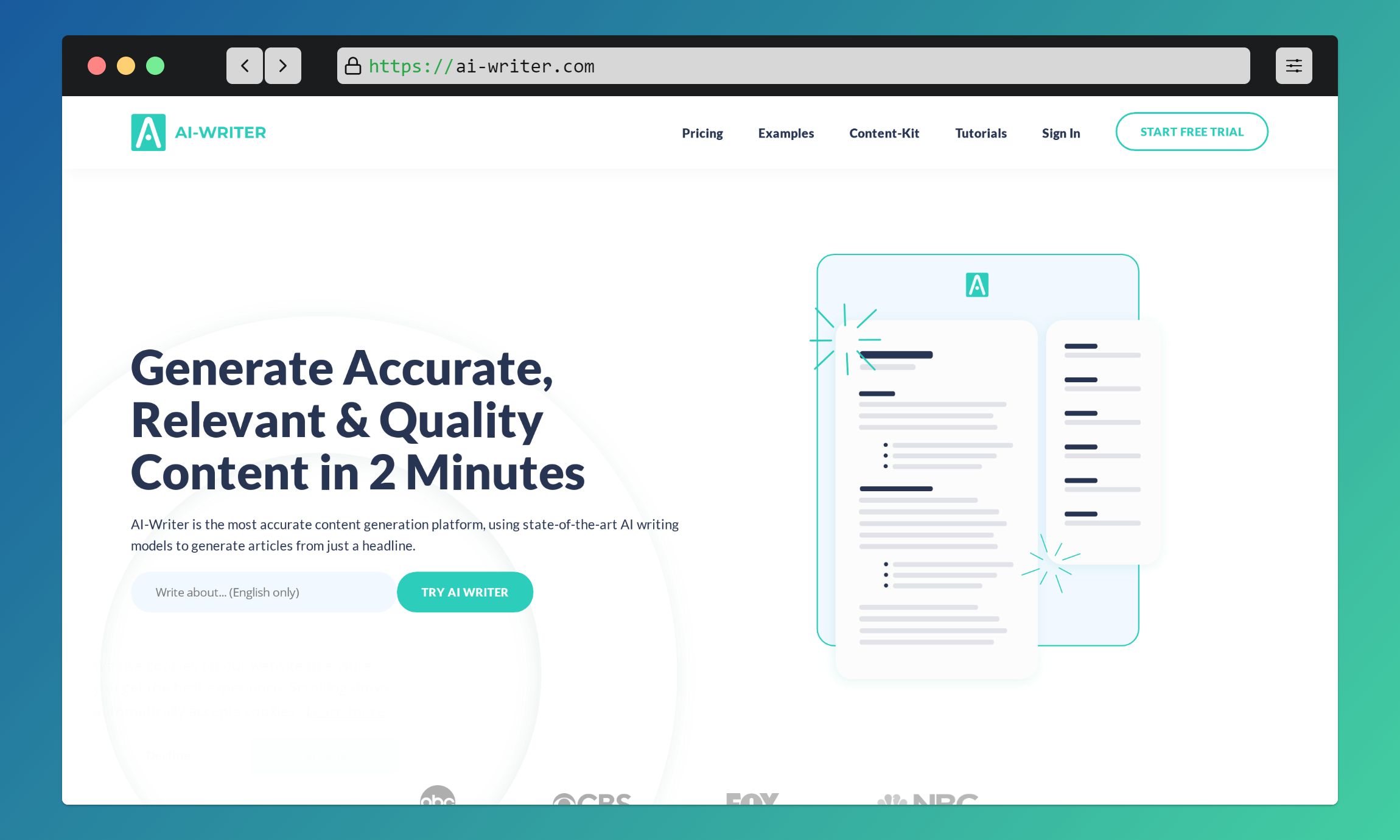
AI-Writer is the most accurate content generation platform, using state-of-the-art AI writing models to generate articles from just a headline.
5. Hyperwrite
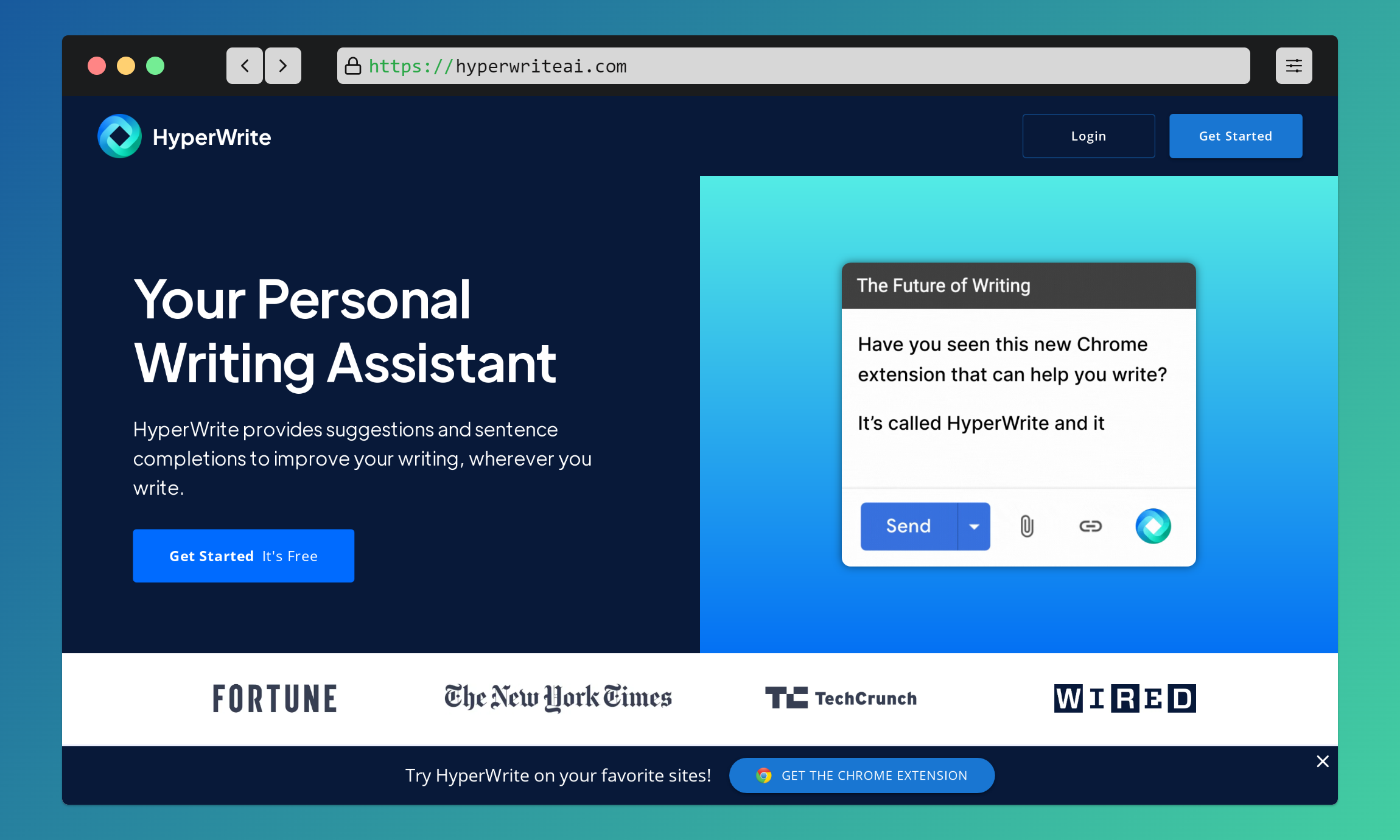
Hyperwrite is a AI tools that provides suggestions and sentence completions to improve your writing, wherever you write.
Conclusion
They are just a tool for enhancing writing skills by correcting spelling, grammar, tone and other aspects which gives a top-notch content reading experience. This is the only AI tools used are made by humans so there is nothing to worry about the replacement of content writers with AI because AI can only detect the error in spelling, grammar and other things but the way of integrating the experience and knowledge by the real content writer cannot be done by AI.
Thanks for Reading🔥
Connect me through Twitter: @utsabdev
About the author
Hey👋, It's me Utsav, I craft code and love to write what I learn.
Comments
Join the discussionHi Utsav bhattarai, make sure you have tagged your articles properly (4articles4weeks)
Thanks Eleftheria Batsou for noticing and informing. Now I had tagged properly.
I didn't know about others but Grammarly even with its free plan is a life saver. Using it since last year. Going absolutely great.
Nice 👍
interesting 😃